Skip to main content
Change My Personal Details [Mobile]
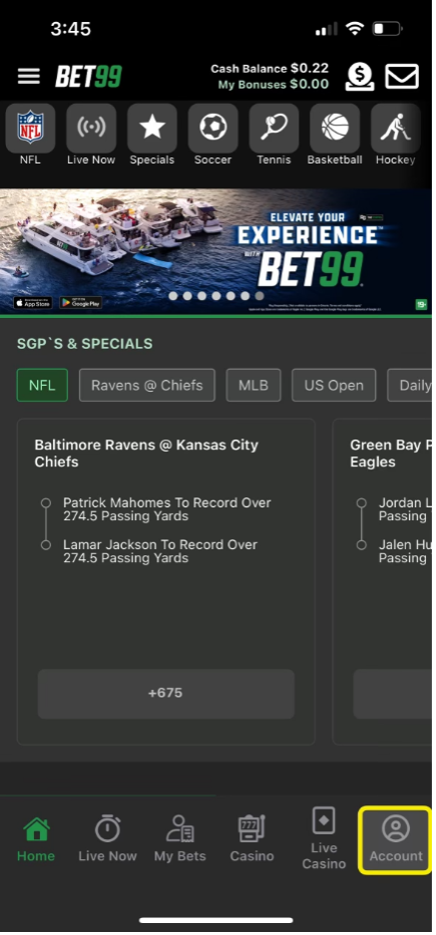
- You can update your phone number and address by clicking “Account” at the bottom of the homepage.
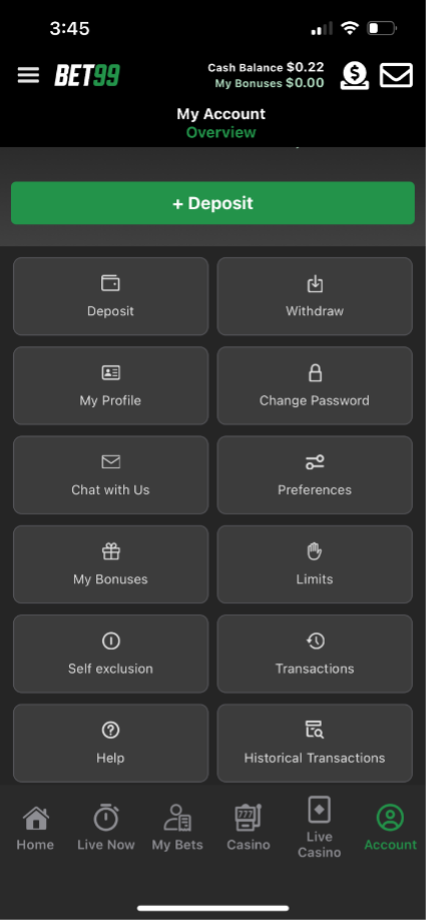
- Then, click "My Profile" when you reach the Account overview page.
- On the next screen you can update your phone number and occupation. Please click save for the change to be successful.
- If you need to update your personal information such as your email address, name, date of birth, please contact our support team.